10 Tools for Automating Digital Product Delivery
Compare 10 tools to automate digital product delivery: files, courses, memberships, integrations, pricing, and access controls.
10 Tools for Automating Digital Product Delivery
If I had to sum this up in one line: the right tool depends on what I sell, where I sell it, and how much control I need after checkout.
Here’s the short version:
- If I sell simple files, I’d look at SendOwl, Shopify Digital Downloads, WooCommerce, EDD, or Gumroad
- If I sell courses or memberships, I’d look at Kajabi, Podia, or Thinkific
- If I need to connect several apps, I’d use Zapier
- If I need assets plus a product setup system, I’d look at myAtlasLab
The main things that matter are simple:
- Instant delivery after payment
- Link limits and expiry
- Payment support like Stripe or PayPal
- Product fit for files, courses, software, or subscriptions
- Integrations for email, storage, and workflows
A few details stand out fast:
- myAtlasLab includes 100,000+ assets and a 10-phase workflow
- SendOwl supports sales in 130+ countries
- Easy Digital Downloads has processed 30 million+ orders
- Gumroad charges 10% per sale
- Kajabi starts at $69/month
- Podia has a $0 plan
- Thinkific limits digital downloads by plan
- Shopify Digital Downloads is free, but needs a paid Shopify store
If I were choosing fast, I’d use this rule:
- Lowest setup: Gumroad or Shopify Digital Downloads
- Most control on WordPress: WooCommerce or EDD
- Best for gated learning content: Kajabi, Podia, or Thinkific
- Best for custom workflows: Zapier
- Best for packaging asset-based products: myAtlasLab
Quick Comparison
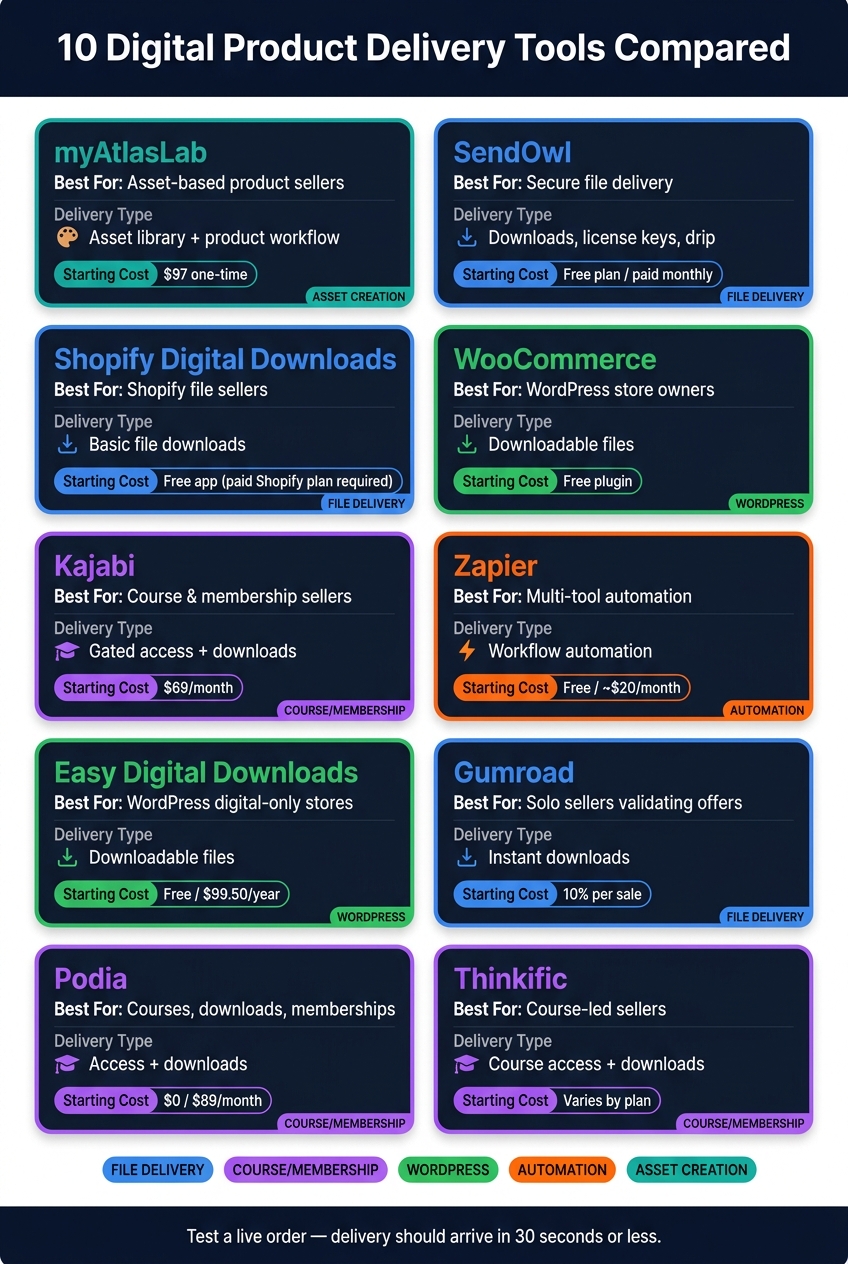
10 Digital Product Delivery Tools Compared: Cost, Best Use & Delivery Type
| Tool | Best For | Delivery Type | Starting Cost |
|---|---|---|---|
| myAtlasLab | Asset-based product sellers | Asset library + product workflow | $97 one-time |
| SendOwl | Secure file delivery | Downloads, license keys, drip content | Free plan / paid monthly |
| Shopify Digital Downloads | Shopify file sellers | Basic file downloads | Free app |
| WooCommerce Downloadable Products | WordPress store owners | Downloadable files | Free plugin |
| Kajabi | Course and membership sellers | Gated access + downloads | $69/month |
| Zapier | Multi-tool automation | Workflow automation | Free / about $20/month |
| Easy Digital Downloads | WordPress digital-only stores | Downloadable files | Free / $99.50/year |
| Gumroad | Solo sellers validating offers | Instant downloads | 10% per sale |
| Podia | Courses, downloads, memberships | Access + downloads | $0 / $89/month |
| Thinkific | Course-led sellers | Course access + downloads | Varies by plan |
Bottom line: I’d pick the tool that fits my current setup, test a live order, and make sure the file or access email arrives in 30 seconds or less.
sbb-itb-e9b8513
What to Look for in a Digital Delivery Tool
Before you pick a tool, check four basics: security, product fit, payments, and integrations. Those four filters make the list much easier to narrow down.
Secure, automatic delivery links are a must. The tool should send access right after payment clears. Look for links that expire after 48–72 hours and limit downloads to 3–5 attempts. That setup helps cut down on casual file sharing without making life harder for legitimate buyers.
Make sure the tool fits what you sell. PDFs, templates, and bundles usually need secure links. Courses need a member portal or a clean start page. Software needs license keys. Subscriptions need access that shuts off when billing stops.
It also helps to check for:
- Stripe or PayPal support
- Automated tax handling for international sales
- Email marketing integration
Then run a test order yourself. Confirm that the access email lands in the inbox within 30 seconds.
With those criteria in mind, here are 10 tools that automate delivery at different levels.
1. myAtlasLab
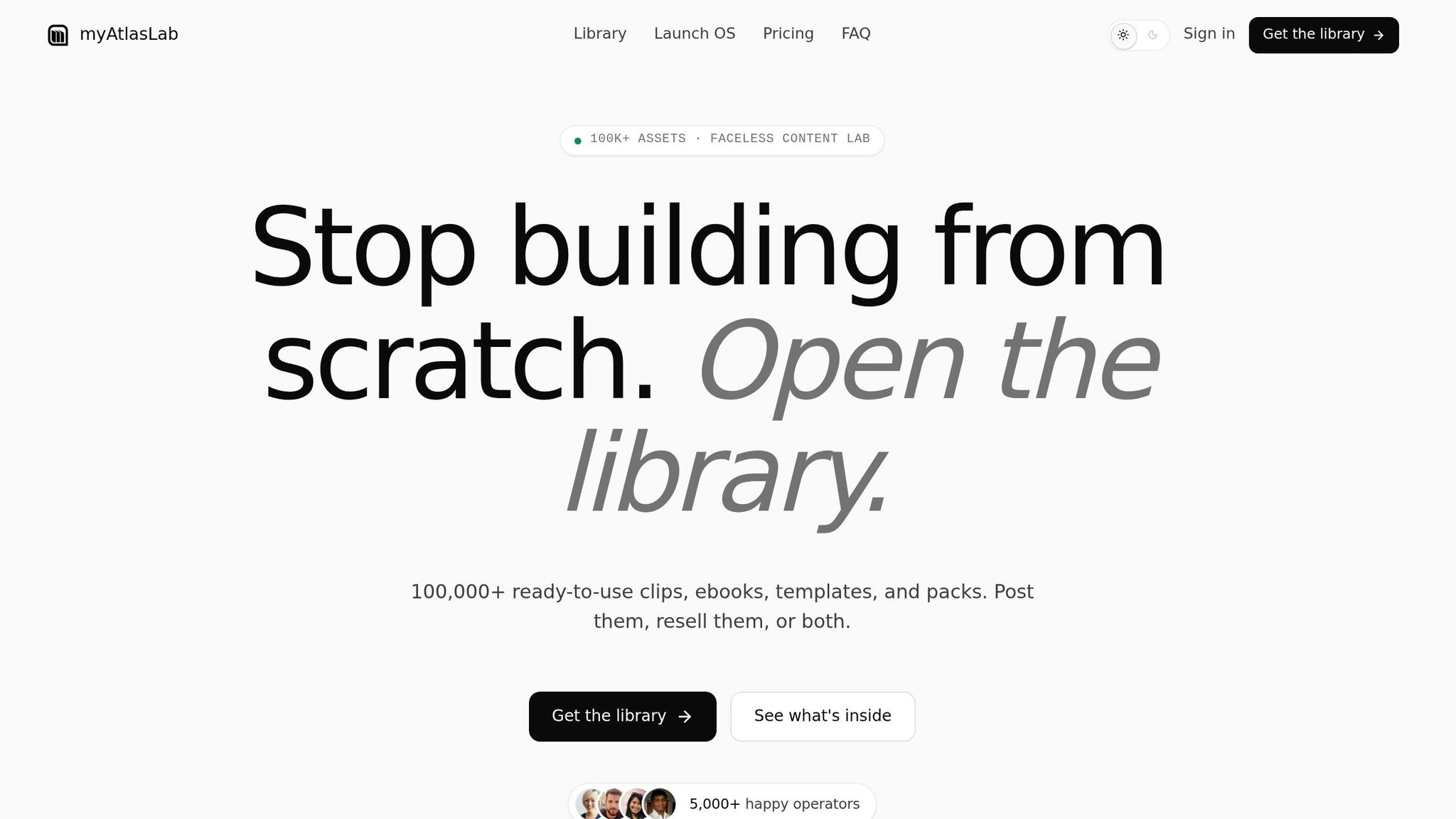
Best for: Creators who need ready-made digital product assets and a system to package and sell them.
myAtlasLab is a strong fit for creators who want ready-made assets and a fast way to turn them into products people can buy. You get a library of 100,000+ ready-to-use digital assets across 50+ niches, including HD/4K clips, rebrandable ebooks, templates, guides, and content calendars. That alone can save a ton of prep time.
What makes it stand out is that it’s not just a content library. Launch OS adds a 10-phase workflow for creating, packaging, and selling digital products. So instead of piecing the process together on your own, you get a system that walks you from idea to finished offer. Built-in AI tools also help with product ideas, branding, SEO, and marketing materials, which can cut down the time it takes to get everything ready for sale.
Pricing is simple:
- Library Lifetime plan: $97 for access to the full asset library
- Pro Lifetime plan: $147 for Launch OS, 4K/ProRes assets, future updates, and priority access to AI tools
If your main goal is file delivery or access control, the next tools are more focused on those jobs.
2. SendOwl
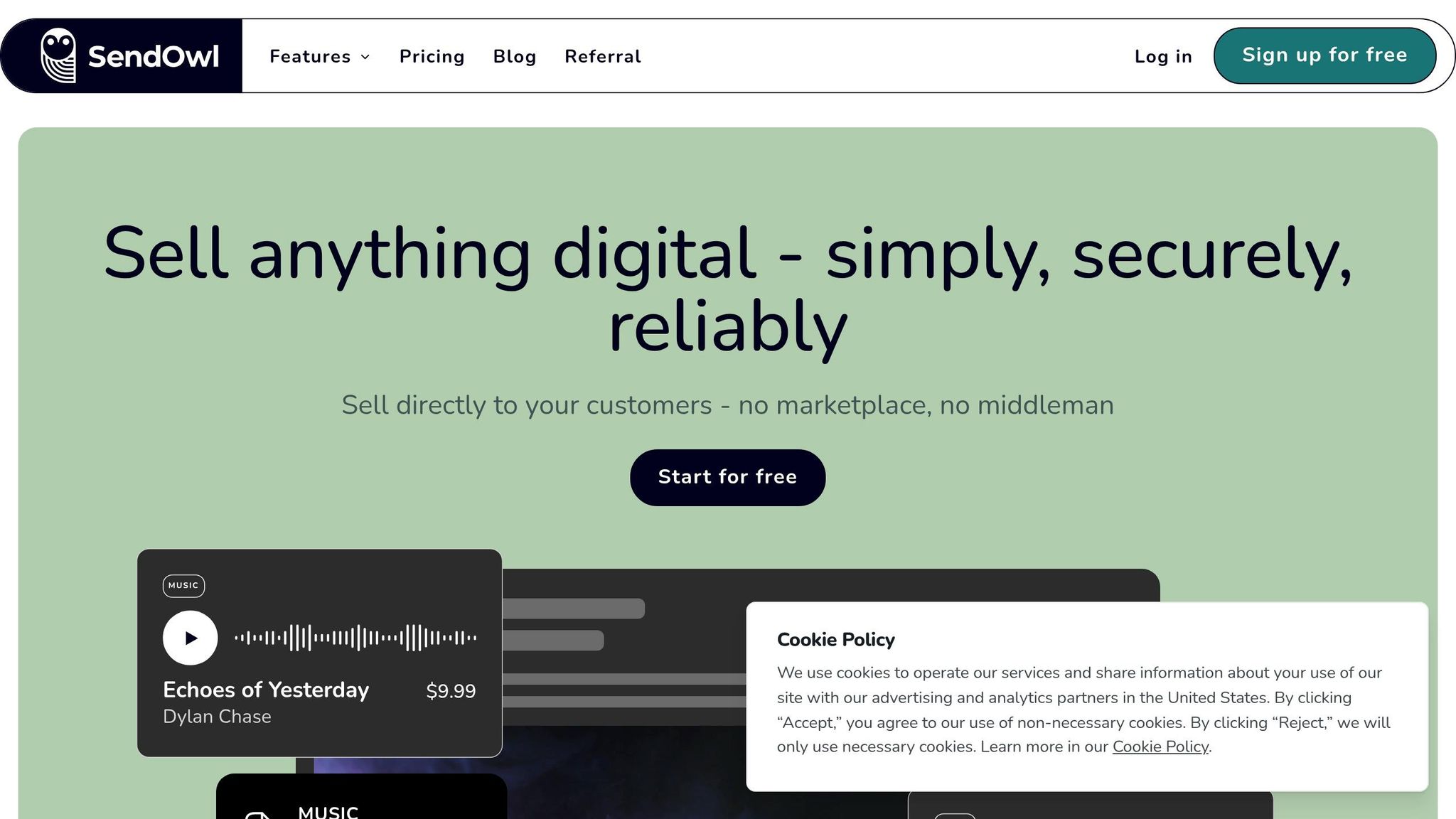
Best for: Sellers who need steady post-purchase delivery with built-in file protection.
SendOwl is all about what happens after someone buys. Once payment goes through Stripe, PayPal, or another supported gateway, the platform creates a secure, one-of-a-kind download link right away and sends it to the buyer on the confirmation page and in a backup email. The big draw here is simple: secure delivery without any manual follow-up.
Where SendOwl earns its keep is file security. Each link is single-use and time-limited. PDFs can be stamped with the buyer's name and email address. You can also set download limits to cut down on sharing. If you sell files that people may pass around, that setup can make a big difference. It also handles software license key delivery by pulling from a preset list or by generating and issuing keys on its own.
SendOwl connects with major site builders and tools like Mailchimp and Zapier. It supports sales in 130+ countries and offers 20+ payment methods, including Apple Pay, Klarna, and AliPay. So it’s pretty easy to tie delivery into your checkout, email, and workflow setup.
It works well for ebooks, software, courses, memberships, music, video, and design templates. Pricing uses a flat monthly fee with no sales commission, and there’s a free plan if you want to get started.
3. Shopify Digital Downloads
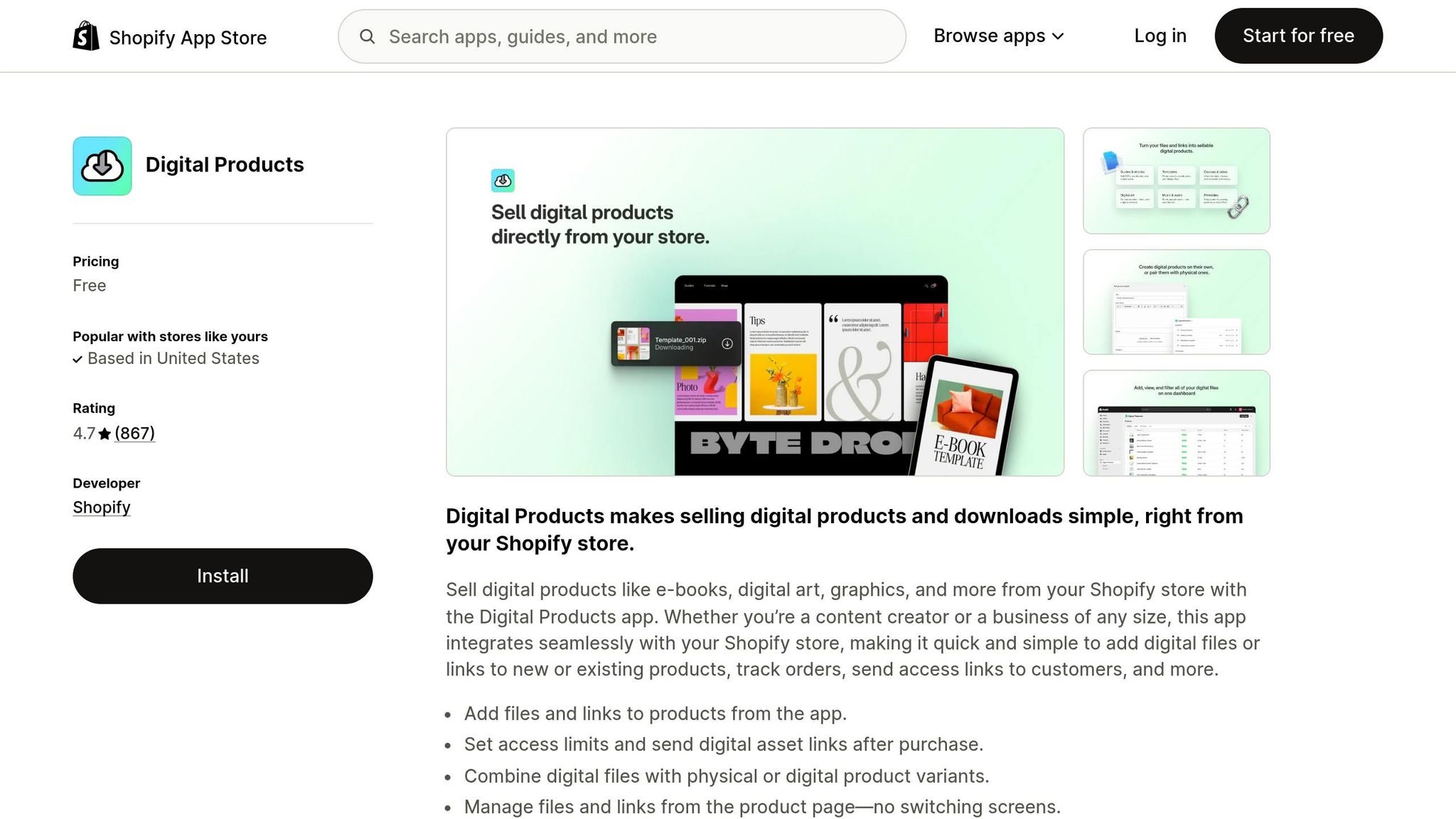
Best for: Shopify store owners who want a free, simple way to send basic digital files.
If you run your store on Shopify, this app is about as straightforward as it gets. Shopify makes it, it’s free to install on any plan, and you manage it right inside Shopify Admin. Once payment goes through, the app can email the buyer a one-of-a-kind download link. You can also place a Download now button on the Thank You page or the Order Status page.
You can set a max downloads limit for each product variant. If needed, you can also deactivate or reactivate a customer’s link by hand from the Orders section. The app logs the customer’s IP address, browser, and operating system. One catch: links don’t expire on their own, so if you want time-based expiry, you’ll need to turn links off manually.
This works well for ebooks, PDFs, templates, graphics, and audio files. In most cases, that means single files up to 5 GB. It also works with links to content hosted on tools like Notion, Google Drive, Dropbox, and Canva. If you sell hybrid products with both physical and digital parts, manual fulfillment gives you control over when the digital file is sent.
It does not support PDF stamping, license keys, or video streaming. So it’s a good pick when your main goal is simple digital file delivery.
4. WooCommerce Downloadable Products
Best for: WordPress site owners who want full control over their store and digital file delivery.
If a hosted app feels too boxed in, WooCommerce is the next step. It gives you more control over how your store runs, and it handles digital delivery right out of the box. You don't need an extra plugin for the basic setup. When someone buys a Virtual and Downloadable product, a successful payment moves the order to Completed and sends the download through email, the Order Received page, and My Account > Downloads.
That built-in access control is a big deal. WooCommerce lets you set download limits and expiry windows for each product, which makes it much easier to manage file access without chasing orders by hand. For file delivery, the setup matters:
- Force Downloads works best for small files
- X-Accel-Redirect is better for large files
- Redirect Only should be used only for public files
WooCommerce also works well for more than simple file delivery. If your product needs course access or post-purchase follow-up, it can handle that too. It's a solid fit for ebooks, templates, software files, stock photos, and printables. And it connects with tools like Sensei LMS, Mailchimp, and AutomateWoo.
On pricing, the core plugin is free. WooCommerce itself charges 0% transaction fees, so you only pay the usual payment processor fees, like Stripe's 2.9% + $0.30 per transaction.
The catch is self-hosting. You get control over security and site speed, but you're the one managing both.
5. Kajabi
Best for: Course creators, coaches, and membership site owners who want an all-in-one platform.
Kajabi is built for post-purchase delivery that centers on access. After someone buys, you can send them straight to a Member Library, Thank You page, or sales page. Kajabi also sends a confirmation email, and buyers can either create an account or check out as guests. That setup makes it a strong fit when you’re selling courses, memberships, or other gated content, not just simple file downloads.
Where Kajabi stands out is content gating. You can drip modules over time and set unlocks anywhere from 1 to 731 days after enrollment or purchase. When new content opens up, Kajabi automatically sends a Member Drip Notification email, so you don’t have to chase students manually. You can also unlock content on a set date or keep some lessons private while leaving others open as previews. On top of that, Offers let you group products into access tiers, which is handy if you want separate basic, premium, or VIP packages.
Kajabi also ties checkout to your marketing and live-session setup. It connects natively with Stripe and PayPal for payments, plus ConvertKit, ActiveCampaign, and Mailchimp for email marketing. Zoom and Calendly plug in directly too, which helps if you run live coaching or webinars.
If you want more automation, Zapier connects Kajabi to 6,000+ external apps. And if you like building your own workflows, Kajabi also supports REST API and webhooks. It works best for structured online courses, membership sites, coaching programs, and higher-ticket digital products like PDFs, templates, and ebooks. Plans start at $69/month.
6. Zapier
Best for: Sellers who want to connect several tools into one automated delivery flow without writing code.
If your store already runs on a storefront, an email platform, or a file storage app, Zapier can tie those pieces together into one delivery flow. It links your payment, email, storage, and CRM tools so a sale can trigger delivery on its own. In plain English, once someone buys, Zapier can send the delivery email, tag the buyer, log the sale, or post a Slack alert.
It also handles multi-step workflows from a single purchase event. Fulfillment, CRM updates, and post-purchase email sequences can all run at the same time. For tighter control, Zapier can work with Amazon S3 to create download links that expire. And if a webhook fires twice, you can add duplicate-delivery checks so buyers don't get the same email again.
The free plan includes 100 tasks per month, and paid plans start at about $20/month. That makes Zapier a strong pick when delivery relies on several tools working together.
7. Easy Digital Downloads
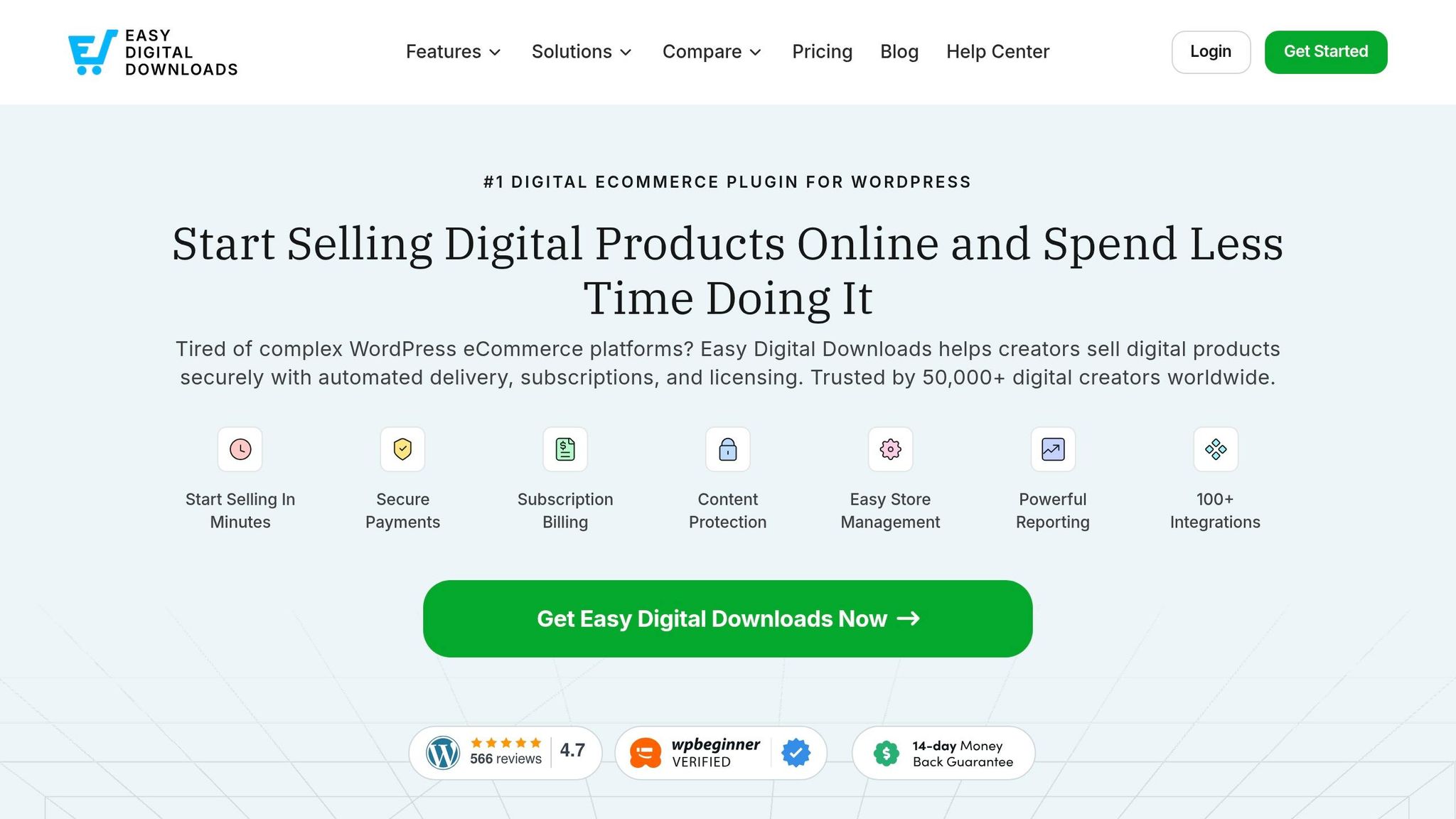
Best for: WordPress site owners who want a purpose-built digital storefront.
Easy Digital Downloads (EDD) is a WordPress plugin made for selling digital products, so you don't have to deal with shipping or inventory settings at all. That's a big plus if you're selling PDFs, plugins, templates, audio files, or online courses.
Once someone buys, EDD creates token-based download links and sends a branded confirmation email with the order details. Buyers can get their files from the receipt email, the confirmation page, or a customer portal. To cut down on link sharing, download links can expire after a set time. The default is 24 hours, and you can also set download limits for each purchase.
There is one thing to watch: WordPress upload limits often fall between 32 MB and 256 MB. If your files are bigger than that, EDD works with Amazon S3 and Dropbox. Its Redirect method sends customers straight to cloud storage instead of pushing downloads through WordPress. Files also sit in a protected directory that blocks direct browser access and search engine indexing.
EDD has processed 30 million+ orders and supports sales in 187 countries. The core plugin is free. Paid plans start at $99.50/year and add subscriptions, software licensing, and cloud storage integrations. If you want course hosting or member access built more tightly into the same system, the next platform goes further.
8. Gumroad
Best for: Independent creators selling ebooks, templates, software, or courses.
Gumroad is built for creators who want fast, low-friction delivery without much setup. After payment clears, the platform sends a confirmation email with a secure download link right away. Buyers can also get their purchase from the checkout page, the emailed receipt, or their permanent Gumroad Library - and they don’t need an account to do it.
That makes Gumroad a good fit if you want to sell digital products and get out of the way. No maze of steps. No extra friction after checkout.
Its file protection is simple, but it does the job. Gumroad offers streaming-only video mode and automatic license key generation at checkout, which gives it an edge over more basic delivery tools.
On the integration side, Gumroad connects with other tools through Zapier. It also has a native affiliate system, and you set the commission rates yourself.
Since Jan. 1, 2025, Gumroad has handled global tax compliance as merchant of record, including EU VAT. Pricing is straightforward: 10% per sale, plus payment processing of about 2.9% + $0.30 per transaction, with no monthly subscription.
If you need something built more around courses, the next option goes further with gated access.
9. Podia
Best for: Solo creators selling courses, digital downloads, memberships, or webinars from one platform.
Podia fits best when delivery is about access, not just sending a file. After someone pays, Podia handles the next step on its own: the buyer gets a download link by email and can also download the file again from their account. Courses can open right away, or you can drip lessons out over time. For memberships, Podia also assigns access based on the customer’s subscription tier.
That’s the main draw here: Podia keeps things simple by putting checkout, access, and email automation in one place.
It also ties checkout, email, and automation together pretty well. Podia connects with Stripe and PayPal, and Stripe adds Apple Pay, Google Pay, and iDEAL. The Shaker plan includes Zapier access, which lets you connect Podia with 5,000+ apps. Its email integrations with Mailchimp, ConvertKit, and ActiveCampaign are one-way only. Podia supports file uploads up to 5 GB per file. Pricing starts at $0 on the free plan, while Shaker costs $89/month and has zero transaction fees.
10. Thinkific

Best for: Course creators and educators selling online courses, memberships, communities, and digital downloads from a single platform.
Thinkific handles post-purchase access right at checkout. After a buyer pays, they’re prompted to create a password and finish setting up their account. Then they land on a Thank You page with immediate access.
If you sell digital downloads like PDFs, templates, or workbooks, Thinkific also sends an automated download email. That’s handy when your product includes both downloadable files and gated course access.
Access is limited to logged-in students with an active login, and creators can set access to expire on its own. For course content, drip scheduling lets you release lessons based on the enrollment date or a fixed calendar date.
Thinkific also automates a few checkout tasks through TCommerce. It handles tax handling, abandoned cart emails, and failed-payment retries. Smart Retries help recover failed subscription transactions, and Orders with an Order Bump have a 20% larger average transaction size.
On the integration side, Thinkific connects with Zapier and tools like ActiveCampaign, Salesforce, HubSpot, QuickBooks Online, and Xero. For example, a Zapier trigger tied to a new order can automatically enroll the student in Thinkific, so fulfillment stays hands-free.
There are plan limits for digital downloads:
- Free: 1 product
- Basic: 5 products
- Start and Pro: unlimited products
Thinkific has a 4.5/5 rating on G2 based on more than 402 reviews. Digital downloads are limited to 1 product on Free, 5 on Basic, and unlimited on Start and Pro.
Quick Feature Snapshot
Use this snapshot to compare how each tool delivers your product, who it's best for, and how much setup it takes. If you want the fastest way to sort your options, look at delivery method and setup level first.
| Tool | Delivery Method | Best For | Notes |
|---|---|---|---|
| myAtlasLab | Digital asset library + guided product creation | Creators launching digital products | Ready-made assets plus guided product creation |
| SendOwl | Instant downloads, license keys, drip content | Stores with complex delivery needs | Strong file protection and license delivery |
| Shopify Digital Downloads | Instant file downloads | Shopify stores selling digital files | Free app, but a paid Shopify plan is required |
| WooCommerce Downloadable Products | Downloadable files via WordPress | WordPress power users who want full ownership | Best for full store control |
| Kajabi | Course access, memberships, and downloads | Course creators and membership site owners | Built around gated content and drip access |
| Zapier | Automated workflows via webhooks | Sellers connecting payment tools to delivery systems | Workflow tool, not a storefront |
| Easy Digital Downloads | Downloadable files on WordPress | Digital-only WordPress stores | Purpose-built for WordPress digital sales |
| Gumroad | Instant downloads | Creators validating a product idea | Minimal setup; 10% flat transaction fee per sale |
| Podia | Course access, downloads, and memberships | Solo creators selling courses and downloads | Checkout, access, and email automation in one place |
| Thinkific | Course access and downloadable files | Educators focused on online courses | Strong fit for course-led delivery |
Use this table to cut the list down fast, then match the right tool to your store in the next section.
How to Pick the Right Tool for Your Store
Use the snapshot above to narrow your options. Then use these rules to make the final call.
If you're just starting out, go with the lowest-cost setup that fits your current sales volume.
If you're on WordPress, WooCommerce or Easy Digital Downloads will usually make the most sense. You keep full control, but you'll do more of the setup work yourself.
If your product is a course or membership, pick a course platform when you need gated access, drip content, and student management.
After you match the tool to the product, look closely at delivery controls. Check whether the platform limits downloads and expires links. Those two settings matter more than they may seem at first. If you can, choose a tool with both expiring links and download caps.
At the end of the day, the choice usually comes down to four filters:
- cost
- platform
- product type
- access control
Match those to your current business model, not the one you hope to have later, and the right tool is usually pretty clear.
Conclusion
The right delivery tool comes down to how you package and sell your products. A solo creator selling one PDF needs something very different from a seller running a bundled content library.
If cost is your main limit, start with a tool whose pricing lines up with your sales volume. For lower-volume sellers, a transaction-based option can keep upfront costs down.
If you sell bundled assets, pick a system built for packaging and delivery. In that case, myAtlasLab brings product creation and delivery into one workflow.
Before you launch, place a real test order. Make sure the email sends, the link works, and access shows up right away.
FAQs
How do I choose the right delivery tool for my product?
Start by looking at where your business stands today and what you need from a technical point of view. If you're just getting started, keep it simple. Go with a tool that lets you manage hosting, payments, and product delivery in one place, so you can get up and running without a pile of setup work.
As your business grows, your needs usually change too. That’s when it makes sense to look for features like license key generation, custom delivery logic, integrations, automated fulfillment, file security, and dependable support. And if that lines up with your plan, myAtlasLab’s Launch OS gives you a guided system to create, rebrand, and sell products with less friction.
What security features matter most for digital delivery?
Prioritize tools with time-expiring links, download limits, and secure cloud hosting to help curb public sharing and keep access controlled.
For ebooks, use PDF stamping with the buyer’s email or transaction ID. For software or templates, automate one-off, revocable license keys and monitor IP activity for suspicious access patterns.
Should I test my checkout and delivery flow before launch?
Yes, testing your checkout and delivery flow before launch is a must.
Run a few test purchases to make sure everything works the way a buyer would expect. Check that download links open correctly, receipts are sent, and the post-purchase instructions are easy to follow. If any part feels clunky during a test, it’ll likely feel worse to a paying customer.
It’s also smart to test failure scenarios. For example, see what happens if a payment fails, a link expires, or an email doesn’t arrive right away. The goal is simple: make sure the system handles problems smoothly instead of leaving people stuck.
A clean handoff from payment to product access cuts friction, builds buyer confidence, and lowers future support requests.